Showing posts with label Facebook. Show all posts

20:42

Official Facebook App for Windows 8 is now available..

Good News for Windows 8 users.. A few days back Microsoft's Latest operating system Windows 8.1 Update was available for all windows users.. The Good News is that One of the Most Popular social networking site " Facebook " has released their Facebook App for Windows 8 Users..


Yes, Official Facebook App for Windows 8 users is now available on Windows store for download also it's for free !! Just go to Windows store by using your store app on windows 8 or you can get there directly from the given link below..

Screenshots of

News Feed 

 Timeline


Download

You can download it from Microsoft's Official Website : Download Facebook App for WIndows
Read Article

06:10

Official Facebook App for Windows 8 is now available..

Good News for Windows 8 users.. A few days back Microsoft's Latest operating system Windows 8.1 Update was available for all windows users.. The Good News is that One of the Most Popular social networking site " Facebook " has released their Facebook App for Windows 8 Users..


Yes, Official Facebook App for Windows 8 users is now available on Windows store for download also it's for free !! Just go to Windows store by using your store app on windows 8 or you can get there directly from the given link below..

Screenshots of

News Feed 

 Timeline


Download

You can download it from Microsoft's Official Website : Download Facebook App for WIndows

Read Article

06:16

How to Get Facebook’s New Homepage/News Feed...

         How Many Of you Got New News Feed as in this post..I have not yet Experienced it.. What About you.. Do you want it or waiting for it..Then Go Through the Post..

                        Facebook has recently launched the brand new look for its News Feed ( User login Homepage ) , Here is method on how you can get Facebook news feed. The Facebook News Feed looks much better than old News Feed. Facebook has brought Facebook News Feed with many cool features, it is completely different from its old version. Some of the basic thing has been changed in Facebook new News Feed such as photos, videos, font size, stories and more. But it’s hard to discover until you are and active Facebook user. You may also like the complete list of Facebook emotions.


                Above screen shot is the Demo of the Facebook's New News Feed. Got from Google Images.. I assume that you will get a clear picture on your mind as how it look’s. In the new News Feed, Facebook has concentrated on its sidebar mainly, It is looking now beautiful. You can say the new Facebook news feed has been inspired from the Mobile version of Facebook. As in the Facebook mobile version, you have a cool sidebar containing all posts and option, Now it has came to your computer in the form of new Facebook News Feed. Facebook has really done a great job to remove all buttons and option from the feed and integrated them into left sidebar, as you can see in the above picture.


What’s new in New Facebook News Feed?

                As there are many new things in Facebook new News Feed but, you can find all of them only by getting it for your profile. The pictures, and videos looks bigger in the new News Feed. The third party apps like Pinterest, Instagram etc. looks much better. Facebook has added Filter option on your Facebook new News feed, now you are provided a Feed Selector menu which allows you to choose filter according to your wish. Overall, the new Facebook News Feed has bright and high resolution photos. So, Follow the instructions below to get new Facebook News Feed at once.

How to Get Facebook’s New News Feed ?

           As Facebook has not made such a option to get Facebook new News Feed in a single click. Here you have no option, where you can get new Facebook News Feed by only one click. However, you can get the Facebook new News Feed by joining the waiting list, Here is how you can get new Facebook News Feed...

  • Go to Facebook’s News Feed. ( click the lick given or manually you can go to http://www.facebook.com/about/newsfeed )
  • When you open the page,,Click on the Join List, like the picture given below.


  • You have done! Now wait, you will soon get a notification on your Facebook Profile page when you get new Facebook News Feed...
 This is how you can get new Facebook News Feed, Many people have already got the new Facebook News Feed for their profile. How about you? Have you Got Facebook new News Feed yet? Share this article with your friends, to help them in getting new Facebook News Feed 

I hope you all found it HelpFul..

Join our Facebook Fan Page  .:MJN Tech:.
and
Subscribe for More Latest Updates..

With Regard's

Read Article

05:00

GifCam-The Easiest Way to Capture Screen Video In .GIF Format or to Create Animated GIFs..

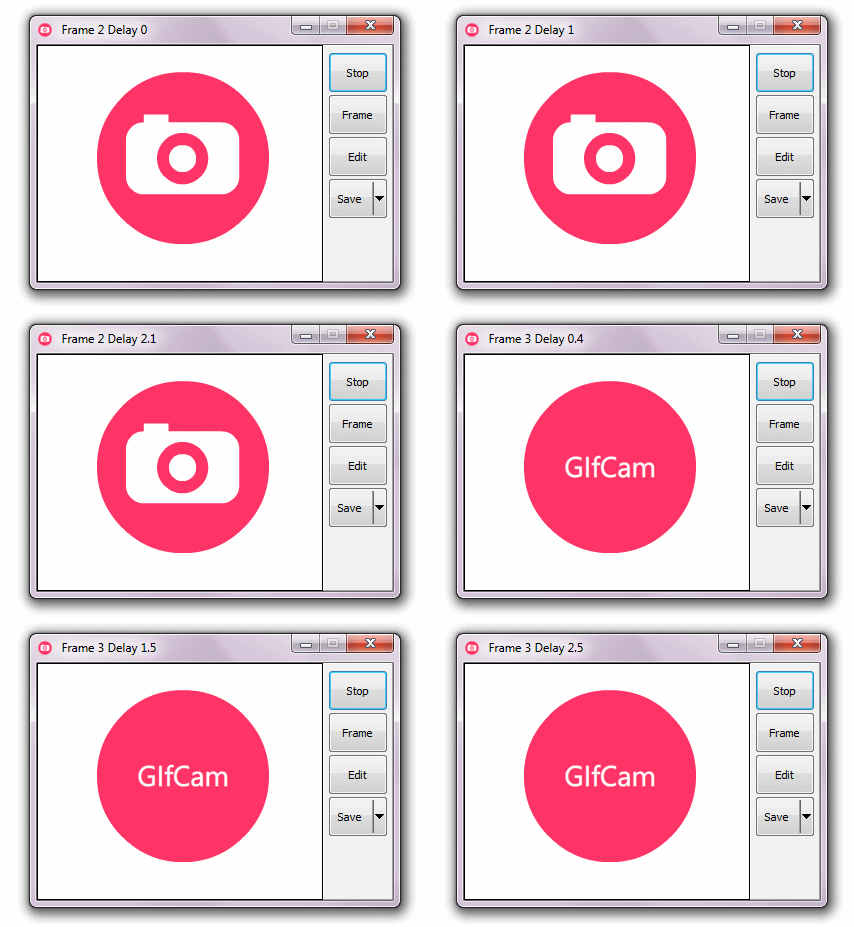
                          GifCam is easy and fun animated gif making app.GifCam has a nice idea where the app works like a camera that stays on top of all windows so you can move it and resize it to record your desired area.
                        Quickly make an animated GIF of anything. GifCam is a free, portable app for Windows that provides you with a simple frame. Re size and position it, then hit record – everything that happens within that frame will be recorded. It’s the easiest way to create your own GIF of just about anything — from desktop demonstrations to clips from any video, online or off. If you love creating GIFs, but wish the process was quicker, you need to check this app out.
                          The animated GIF just might be older than you – it’s been around since 1987, and really took off in the early days of the web. It declined at the end of the 90′s, and to some it’s an obsolete way to show animations online – but you wouldn’t know that to look at the web today. Animated GIFs are everywhere. From the endless scrolling of Tumblr to reaction shots on Reddit, GIFs are probably seen by more humans today than any point in their history.

How to Make GIFs in Easy Way..

  • GifCam looks like any other window – except you can see through it. Think of the window as the frame of your virtual video camera – one you can resize and move however you like.

  • You can use this to record just about anything. Your favorite YouTube video. Or To preview the Animated Demo of your Work ..Like below I am Previewing the "Animated Metro UI Drop Down Menu" created by Me..which is my Previous Post of this Blog..

  • Just Download this GifCam Software From Link which is given at the End of this post and Run the App...
  • Then Adjust the Size of Recording Area by Resizing the Window of APP..
  • Then Click on "Rec" .which will start Recording the frames..
  • As your Recording is done!! Click on Stop..
  • Then Click on Save..
  • That's it  ..Done!!!

Note:


I hope you have found this post helpful..
Don't forget to Subscribe , Comment and Share this post..
With Regard's ,

Read Article

06:35

Social Media Sites Style Blogger Template - Facebook,Google+ and Twitter..

        Today there are many Social Media Sites.. But The 3 Most Popular Sites are Facebook, Google+ and Twitter..
So today I am Gonna Share these Three Social Media Sites Style like Blogger Template..


Let's Begin..

1. Facebook Blogger Template

  As you all know that Facebook is one of the Best Social Media Site.. So today I am Gonna Share A Blogger Template which is Designed by 'DesignrsHub' with Facebook Style..
        Facebook style blogger template adds the social interactivity into your blogging experience, well this new template by DesignrsHub brings the color combination, style of the top bar and other stuff from the biggest social network the Facebook.

2. Google Plus Blogger Template 

As you all know Google+ is also one of Social Media Site as Twitter and Facebook..So here is a Blogger  Template As same as Google Plus.. Google Plus is out and its Blogger Template is out too. Blogger template by 'Creative Blogging Ideas'. Nothing Much To say about it as You can See Demo And Download It by going through the post..


3. Twitter Blogger Template

As you all know Twitter is also one of Social Media Site as Google+ and Facebook..So here is a Blogger  Template As same as twitter.. Twitter Blogger Template is inspired from world’s first micro blogging website Twitter.com. Though, this theme is not a replica of Twitter.com but still it has a touch which would convert your Blogger blog into a robust social networking website. The color combination of light blue and place gives it an elegant touch. Since, this theme is inspired from Twitter. Therefore, we have also attached twitter Tweet button. This Theme is extremely efficient and sober which makes it standout from other templates. It has some built-in extra-ordinary features like Numbered page navigation, floating header, and much more.

Hope you guys liked it..For More Updates Subscribe,Share and Comment...

With Regard's ,
Read Article

New Facebook Style Template for Bloggers..

         As you all know that Facebook is one of the Best Social Media Site.. So today I am Gonna Share A Blogger Template which is Designed by 'DesignrsHub' with Facebook Style..
        Facebook style blogger template adds the social interactivity into your blogging experience, well this new template by DesignrsHub brings the color combination, style of the top bar and other stuff from the biggest social network the Facebook.


                This Template comes with 2 column design which is obviously good for maintaining posts one side and adding ads and other stuff on the other side. This template also has a nice featured posts slideshow which automatically brings new posts inside it which has some more views or which is popular.

Template Specification :


  •  2 column layout: 1000px
  • Facebook Navigation bar
  • Search Box Embedded
  • Light weight jQuery Slider
  • Widgets Enabled
  • Number Page Navigation added
  • Opacity Image hover effects installed
  • Post excerpt [read more] featured added by default
  • Top Stories Slider Widget
  • 3 Column Footer
  • Lower Footer Navigation bar added
  • Post thumbnail featured added by default

So I hope You All are Waiting to See Demo and Download it.. Isn't is??  Yes Of course it is ..So let me Share it.. :)

Click to View Demo    Preview
Click to Download      Download


For More Updates Subscribe,Share and Comment...

With Regard's ,

Read Article